Thank you for reporting this missing image
Our team will work to update this soon
Print
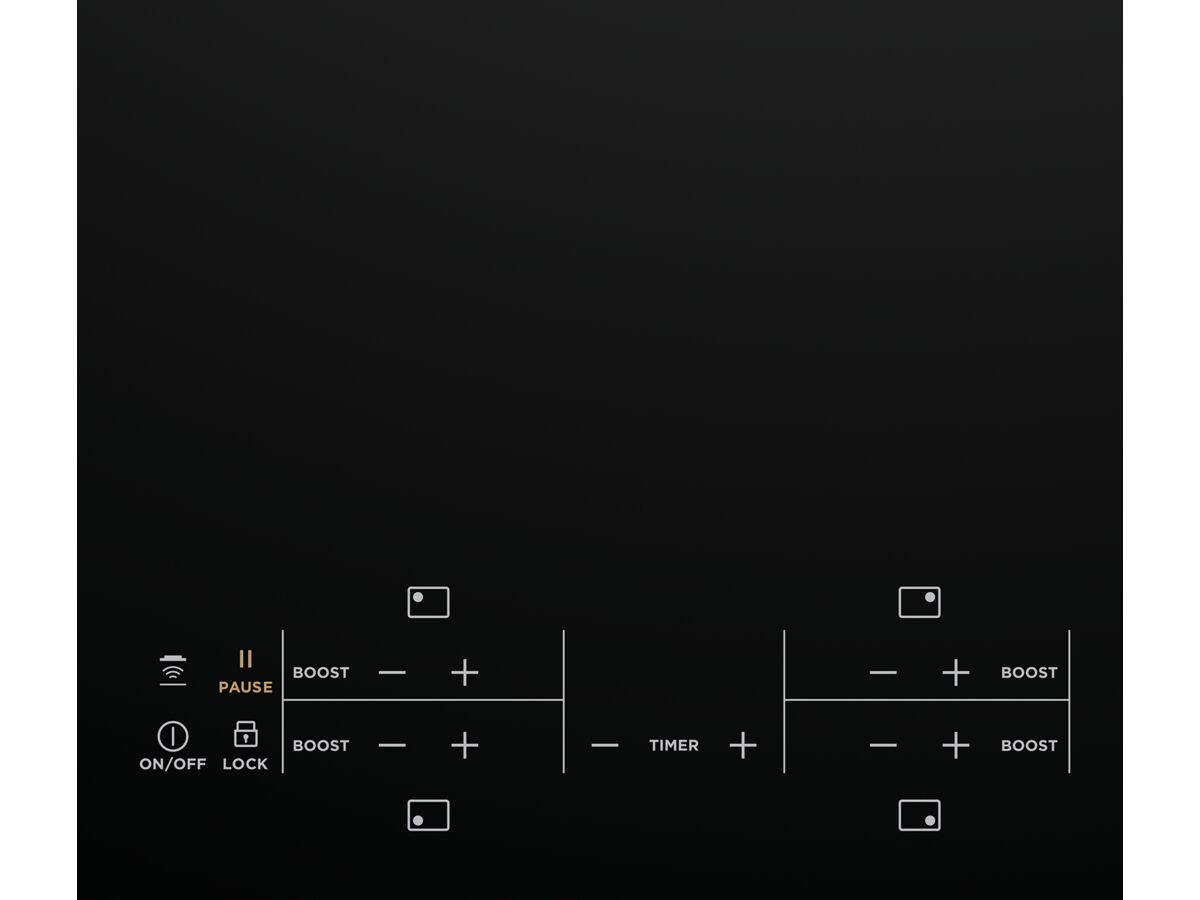
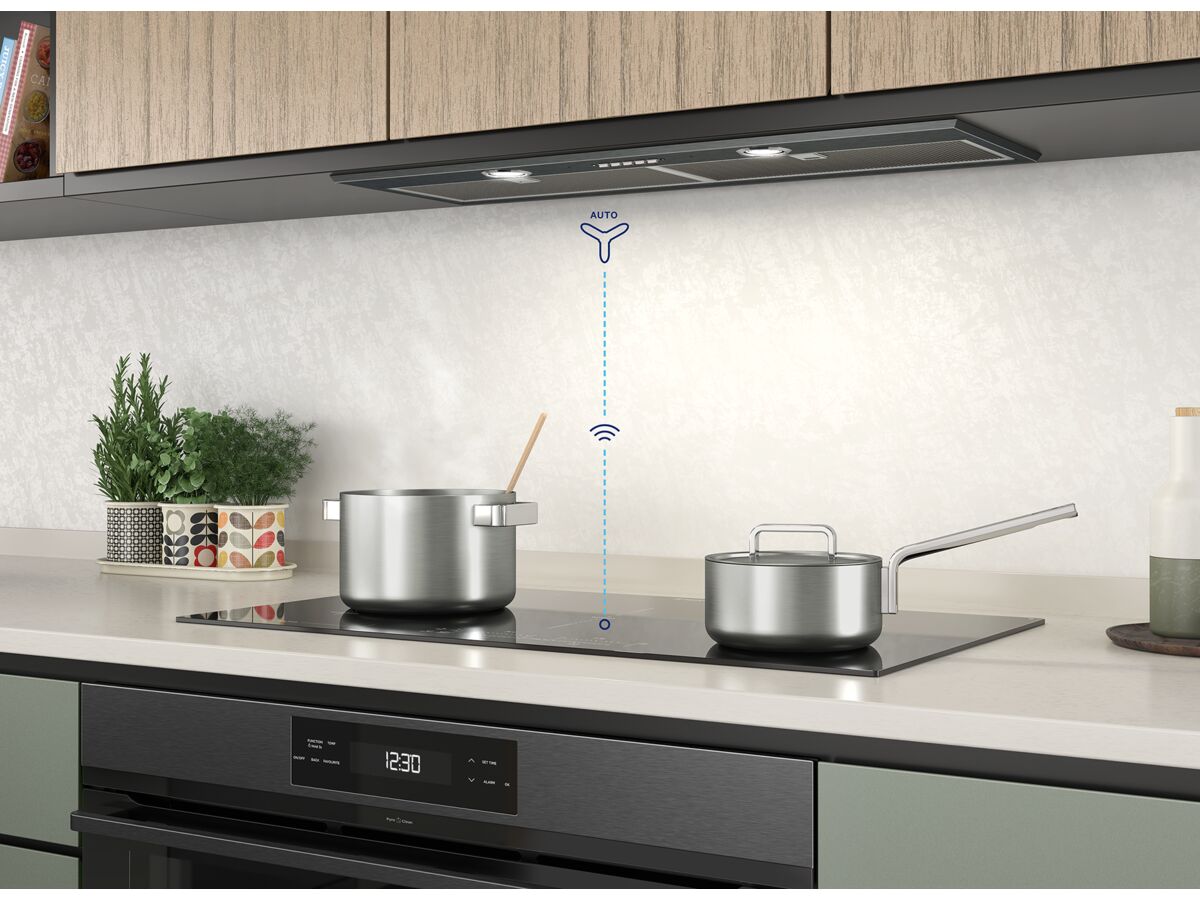
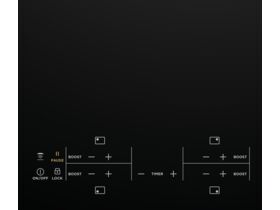
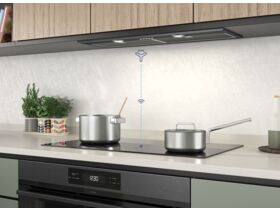
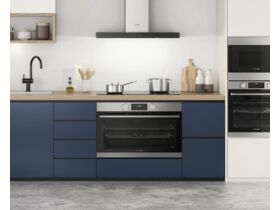
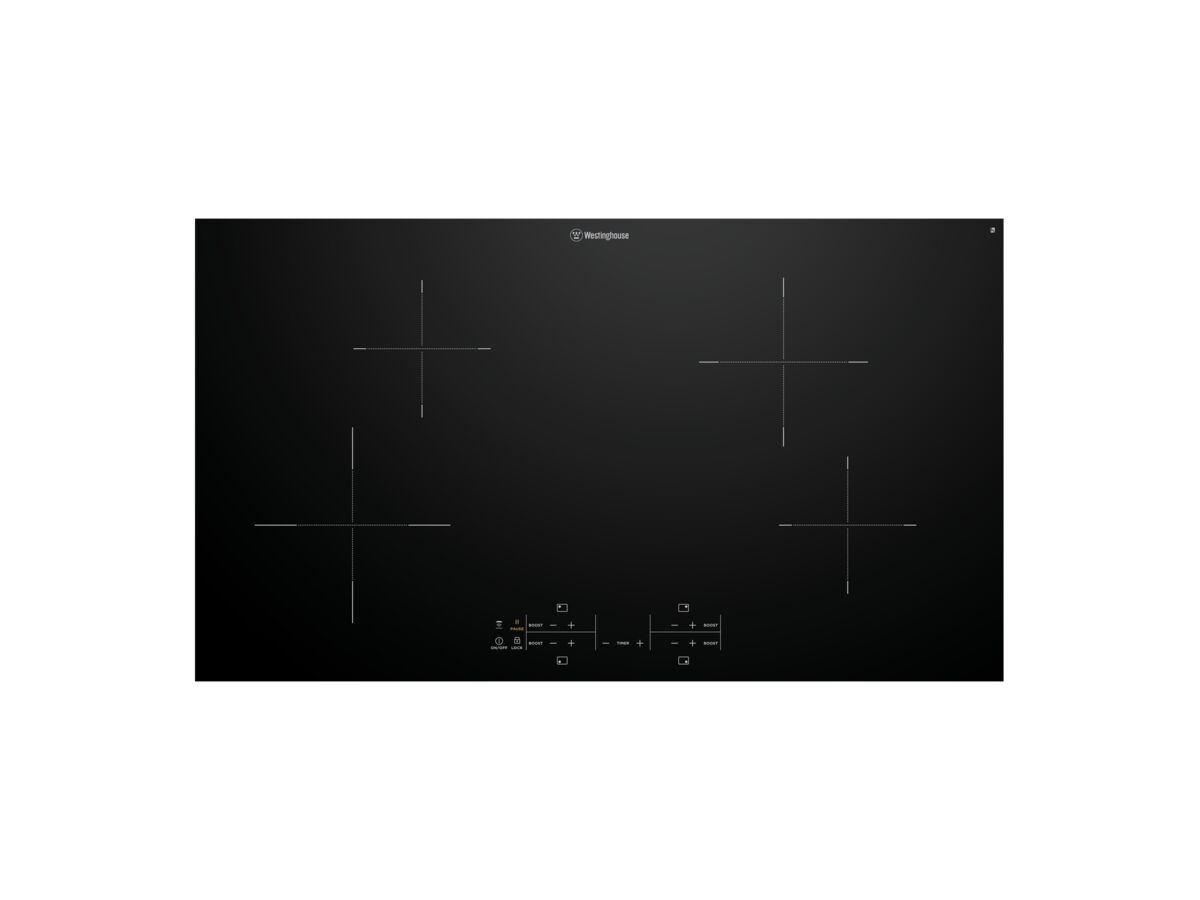
90cm Induction Cooktop, 4 Zone, Touch Controls, Hob2Hood, Pause Function

90cm Induction Cooktop 4 Zone Touch Controls Hob2Hood Pause Function

Product code: 2029023

View Product Specifications
  • Product Specifications
  • Documents and Downloads
Back

Product Type Cooktop
Model Number WHI943BC
Mounting Product Surface

Specification Sheets

Dimension Guide - 90cm Induction Cooktop, 4 Zone, Touch Controls, Hob2Hood, Pause Function View
Westinghouse Appliances
Westinghouse Appliances View
User Manual - 90cm Induction Cooktop, 4 Zone, Touch Controls, Hob2Hood, Pause Function
User Manual - 90cm Induction Cooktop, 4 Zone, Touch Controls, Hob2Hood, Pause Function View

Brochures

Westinghouse Appliances
Westinghouse Appliances View

Specification, Manuals & Installation

User Manual - 90cm Induction Cooktop, 4 Zone, Touch Controls, Hob2Hood, Pause Function
User Manual - 90cm Induction Cooktop, 4 Zone, Touch Controls, Hob2Hood, Pause Function View
Dimension Guide - 90cm Induction Cooktop, 4 Zone, Touch Controls, Hob2Hood, Pause Function
Dimension Guide - 90cm Induction Cooktop, 4 Zone, Touch Controls, Hob2Hood, Pause Function View

90cm Induction Cooktop 4 Zone Touch Controls Hob2Hood Pause Function

Hold and drag the right mouse button to move objects.
Scroll with the mouse wheel, or pinch with the trackpad, to zoom
Hold and drag the left mouse button to rotate objects.

Drag with two fingers to move object
Pinch with both fingers to increase/decrease the size.
Drag with one finger to rotate object