You need to enable JavaScript to run this app.
Thank you for reporting this missing image
Our team will work to update this soon
Bathroom
Tapware & Accessories
Tapware Spare Parts
GROHE
Print
Clearance
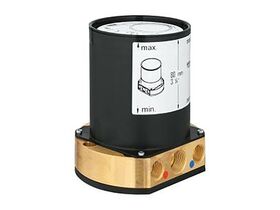
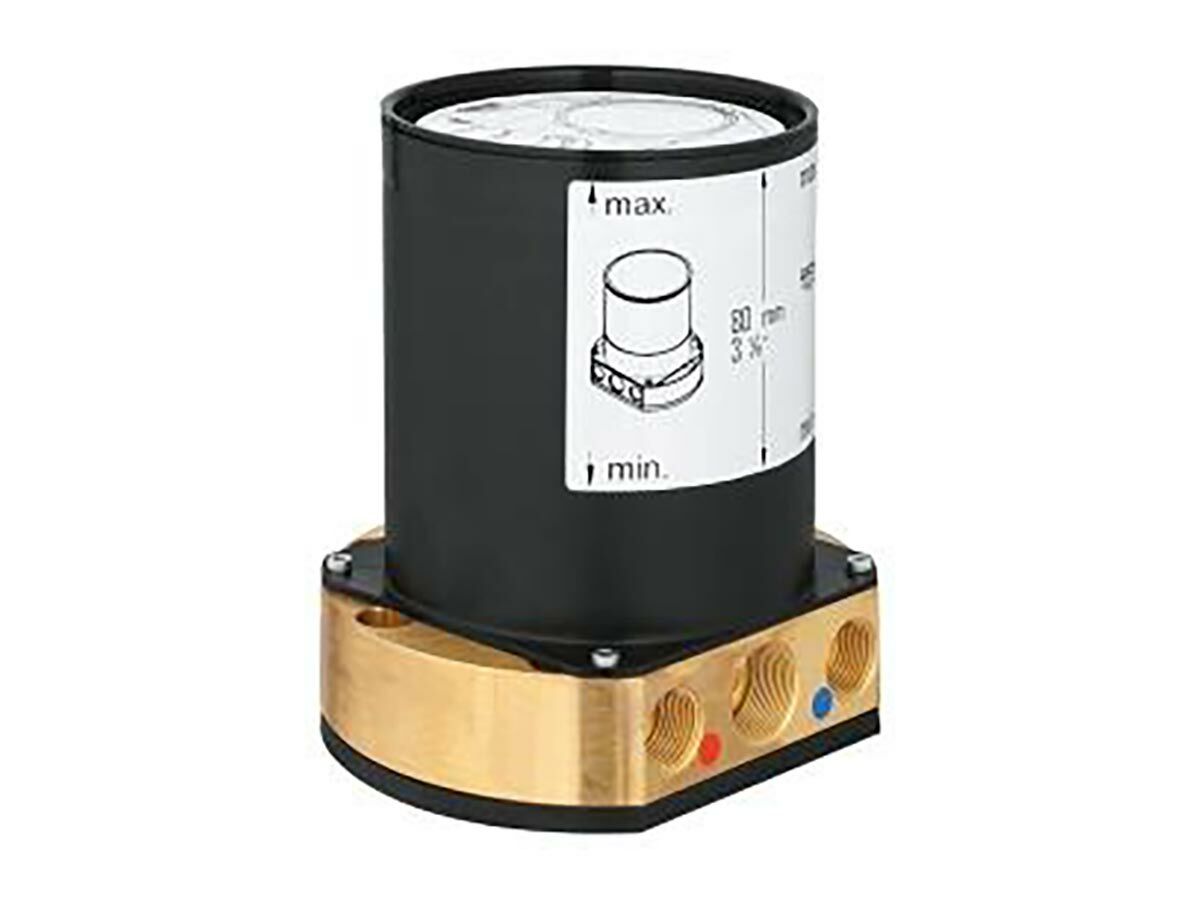
GROHE Allure Floor Mount Installation Fixing Chrome
Product code:
9506758

View Product Specifications
Product Specifications
Warranty Information
Documents and Downloads
Videos
Back
Features
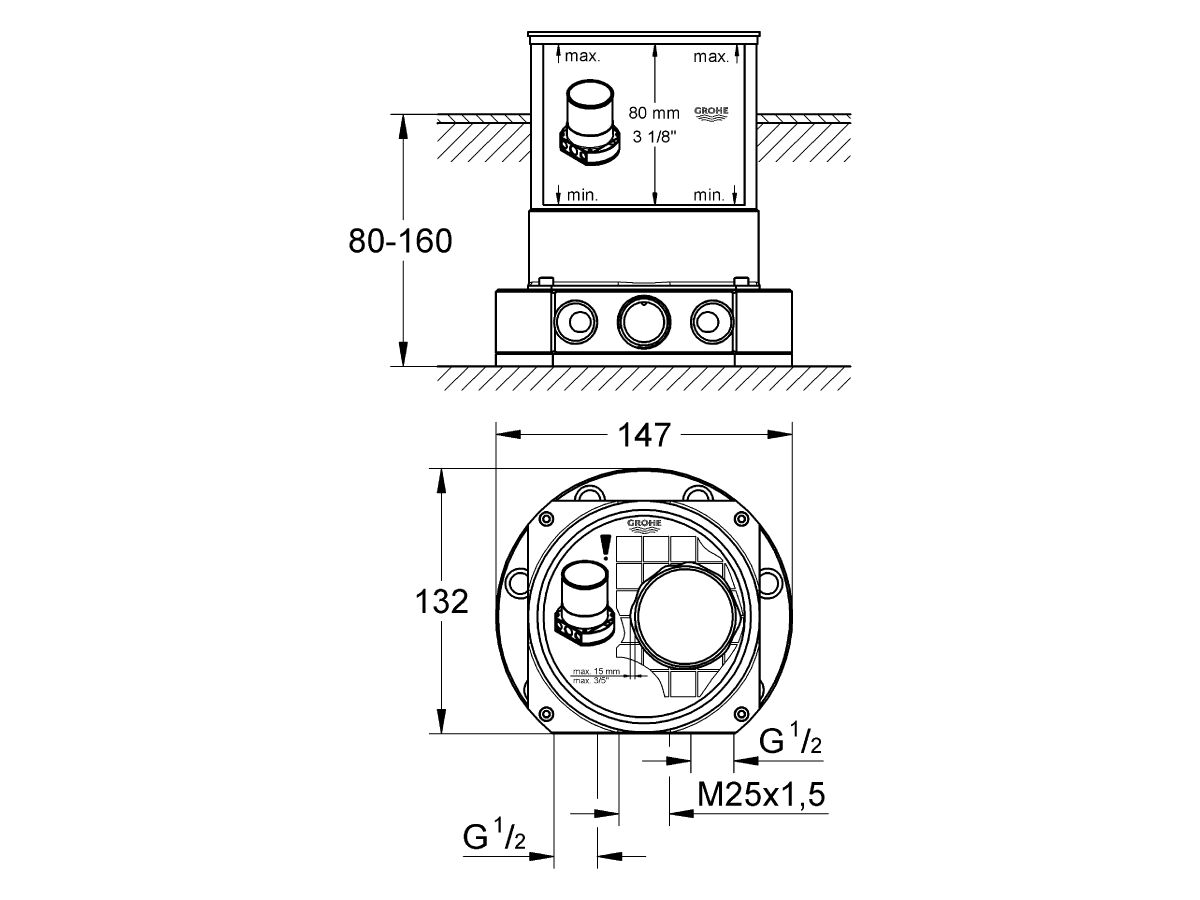
Installation Plate with 360 Degrees Horizontal & 3 Degrees Vertical Adjustment Installation Depth 53-157mm for Bath Mixers/Spouts, Depth Compensation 104mm Installation Depth 65-157mm for Shower Mixers, Depth Compensation 92mm Tow 1/2" Female Connections (Hot/Cold Supplies) flushing Plug Accoustic Isolation Mat Required for Installation with Allure Floor Mounted Bath Outlet (Reece Code 9506757)
Mounting
Floor & Product Surface
Colour Category
Chrome
Colour Finish
Chrome
Maximum Continuous Working Pressure
500 kPa
Domestic Use
15 Years
Commercial Use
2 Years
Spare Parts & Labour
5 Years
Warranty Information
For full warranty terms and conditions please refer to the GROHE Warranty document
Learn about our
Product Quality Guarantee
GROHE Brochure
View
GROHE PVD Collection
View
Bathroom & Kitchen Product Care Guide
View
2D DWG - GROHE Allure Floor Mount Installation Fixing Chrome
Download
3D DWG - GROHE Allure Floor Mount Installation Fixing Chrome
Download
Brochures
GROHE Brochure
View
GROHE PVD Collection
View
Specification, Manuals & Installation
Bathroom & Kitchen Product Care Guide
View
Technical Guide - GROHE Allure Floor Mount Installation Fixing Chrome
View
2D/3D Models
2D DWG - GROHE Allure Floor Mount Installation Fixing Chrome
Download
3D DWG - GROHE Allure Floor Mount Installation Fixing Chrome
Download
Warranty
GROHE Warranty
View
GROHE - SmartControm
GROHE - Water Intelligence Video
GROHE - Zero Technology
Video unavailable
Discover the world's largest manufacturer of quality tapware and showers. The pure joy of water. When you use a Grohe product you can feel the difference. Time after time.
Find out more
GROHE Allure Floor Mount Installation Fixing Chrome
View in AR
Hold and drag the right mouse button to move objects.
Scroll with the mouse wheel, or pinch with the trackpad, to zoom
Hold and drag the left mouse button to rotate objects.
Drag with two fingers to move object
Pinch with both fingers to increase/decrease the size.
Drag with one finger to rotate object